
PIRO Retail Configuration

This module includes two submodules, both accessible only to users with extended admin rights, such as the shop manager.

a. Integrations

The Integrations submodule contains details for integrating the system with third-party applications or tools. Due to the sensitivity of this information and the risk that incorrect edits could disrupt system functionality, we do not recommend granting access to this submodule to any POS users. Only the PIRO admin should have access to this submodule.
b. Admin Settings

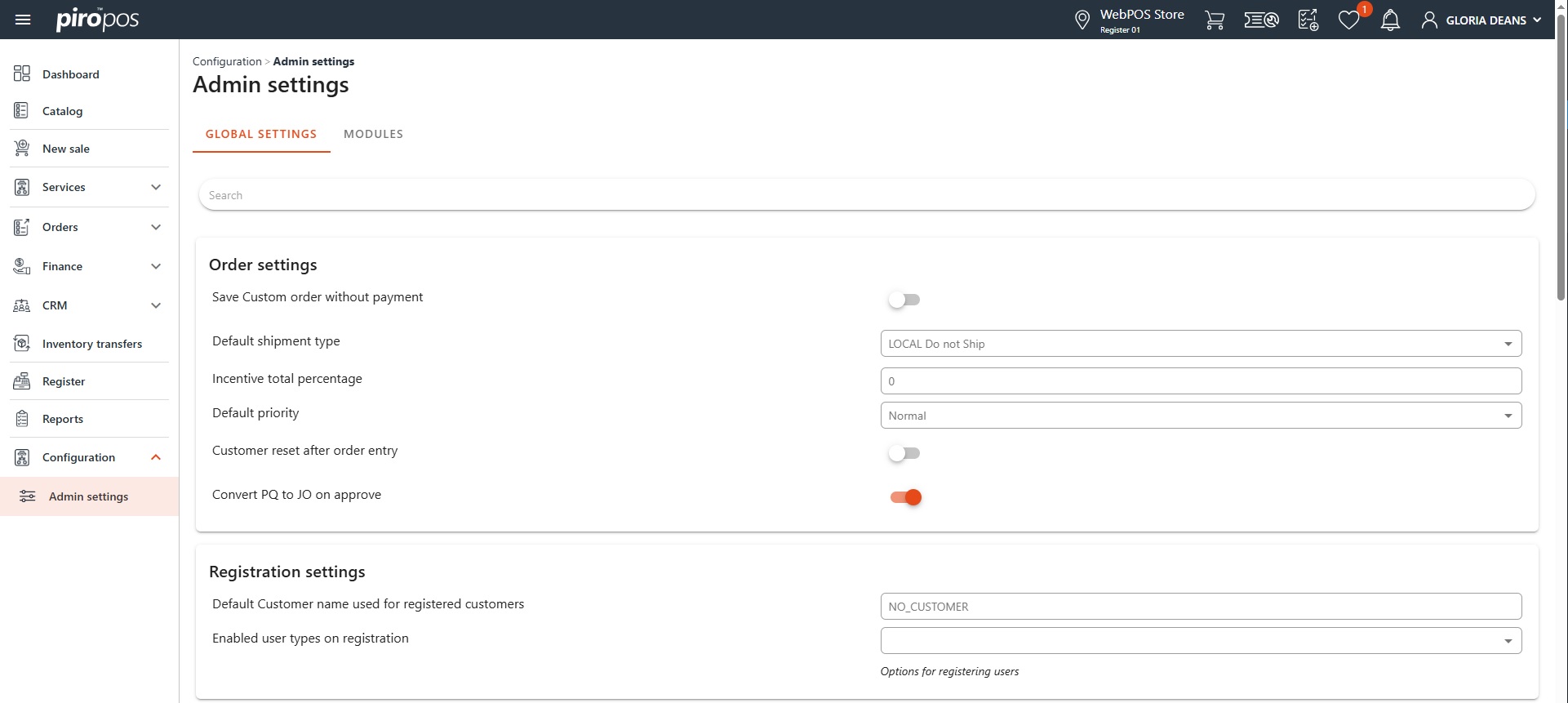
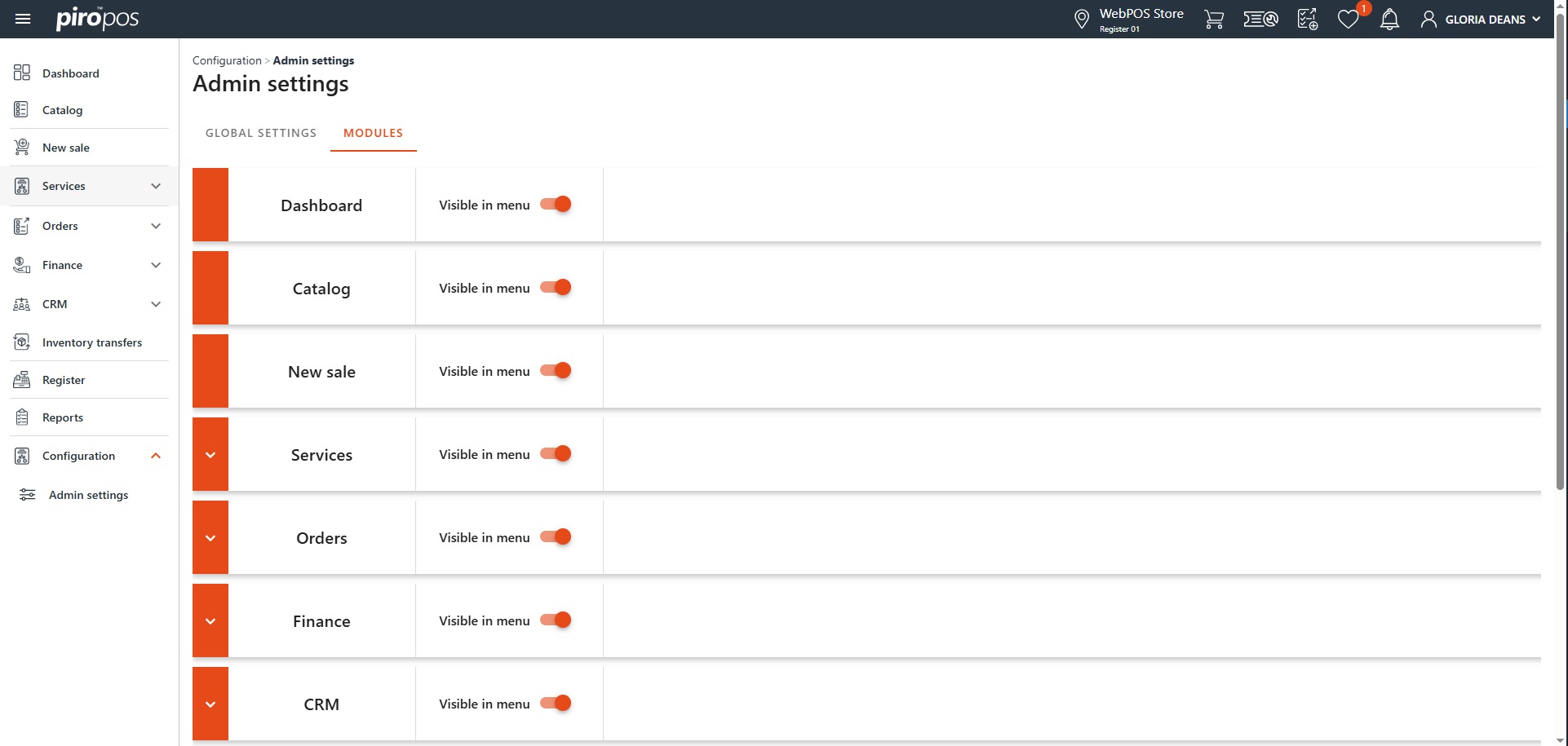
This section contains two tabs: GLOBAL SETTINGS and MODULES.

The GLOBAL SETTINGS tab allows the POS admin to manage overarching POS settings, including:

    • Order insert settings
    • Registration settings
    • Payment options
    • Repair settings
    • Email sending settings
    • Inventory settings
    • Catalog settings
    • Report settings

The MODULES tab contains the modules of the PIRO Retail: each module or submodule can be individually hidden using the “Visible in menu” toggle button:

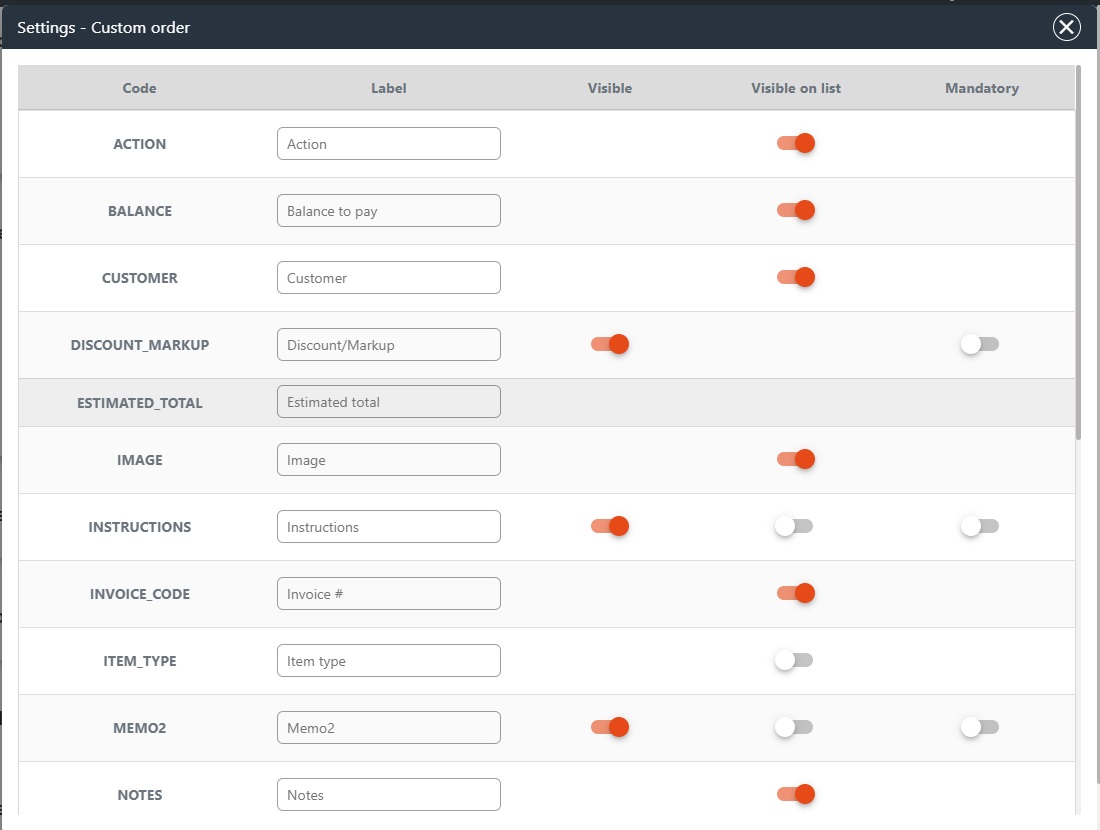
The visibility of order data, labels, and required fields in modules such as Repair Order, Custom Order, Invoice List, and Customer List can be customized by clicking on the settings icon next to the respective menus or submenus.