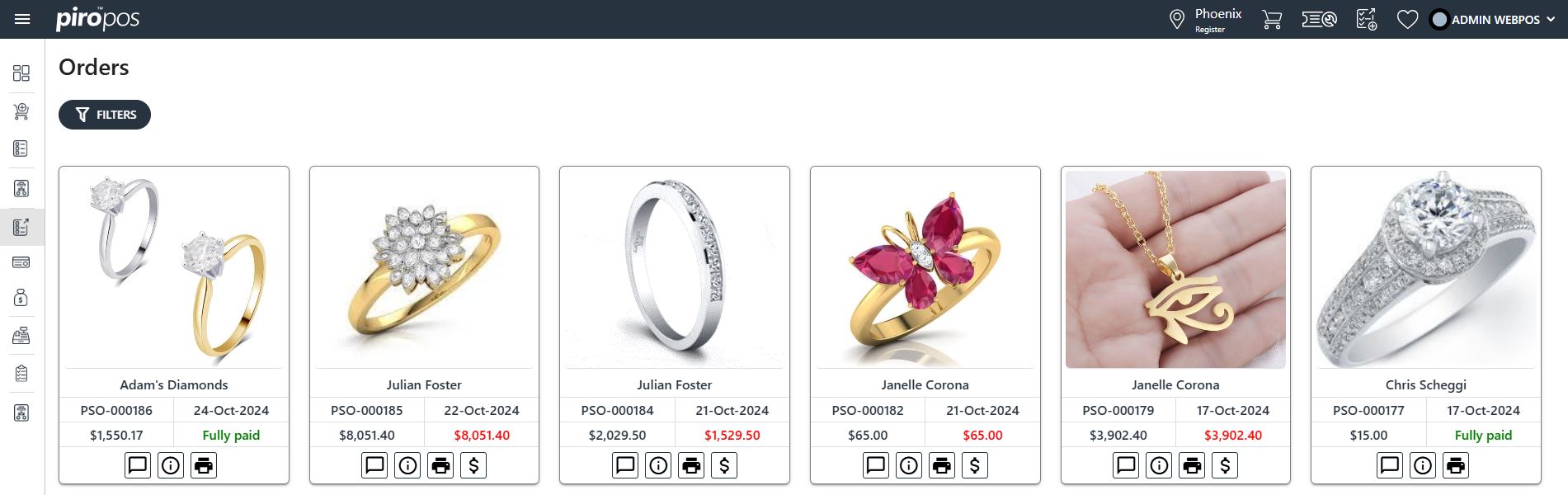

If you handle traditional retail transactions where items are always sold directly from inventory and added to the invoice immediately, the Sales Order module in the Backoffice system is not essential to your workflow. When a sale is made in the PIRO Retail and an invoice or receipt is generated, the Backoffice performs the following automated actions:
- A Sales Order (PSO) is created and closed automatically.
- An invoice is generated, and the item is removed from inventory.
- Payment is recorded, and the invoice is placed into “Paid” status.
However, understanding the Sales Order module in Backoffice is important, if you:
- Offer layaway options,
- Handle made-to-order or custom orders,
- Operate both in-store and online with PIRO Fusion connected to an online sales platform.
The Sales Order module serves as a management hub for different order types, each requiring specific actions. Orders are categorized by unique prefixes to distinguish their types, such as:
- LSO for Layaway orders
- PSO for POS orders
- SHOP for Shopify orders, and so forth.
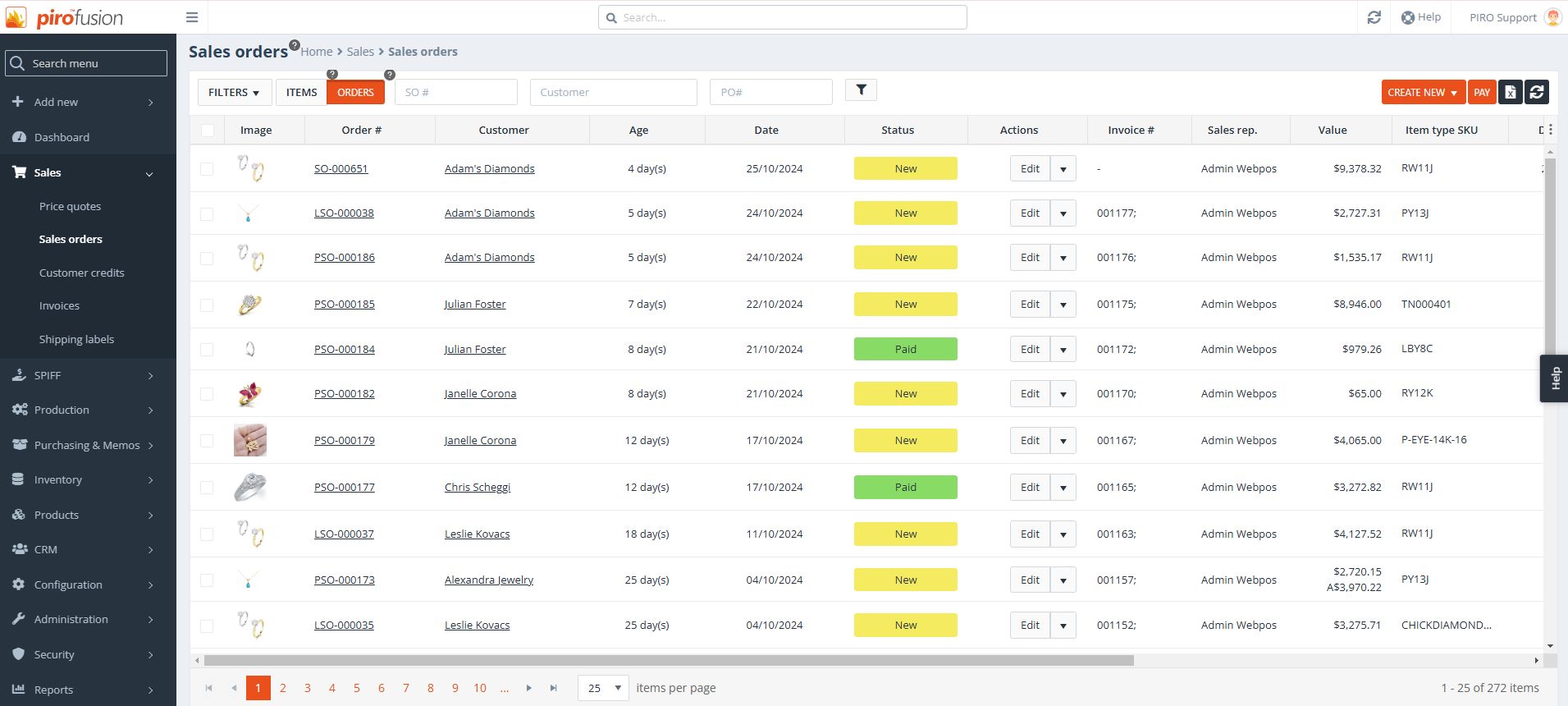
Here’s the layout of the PIRO Retail sales orders in the Backoffice system:
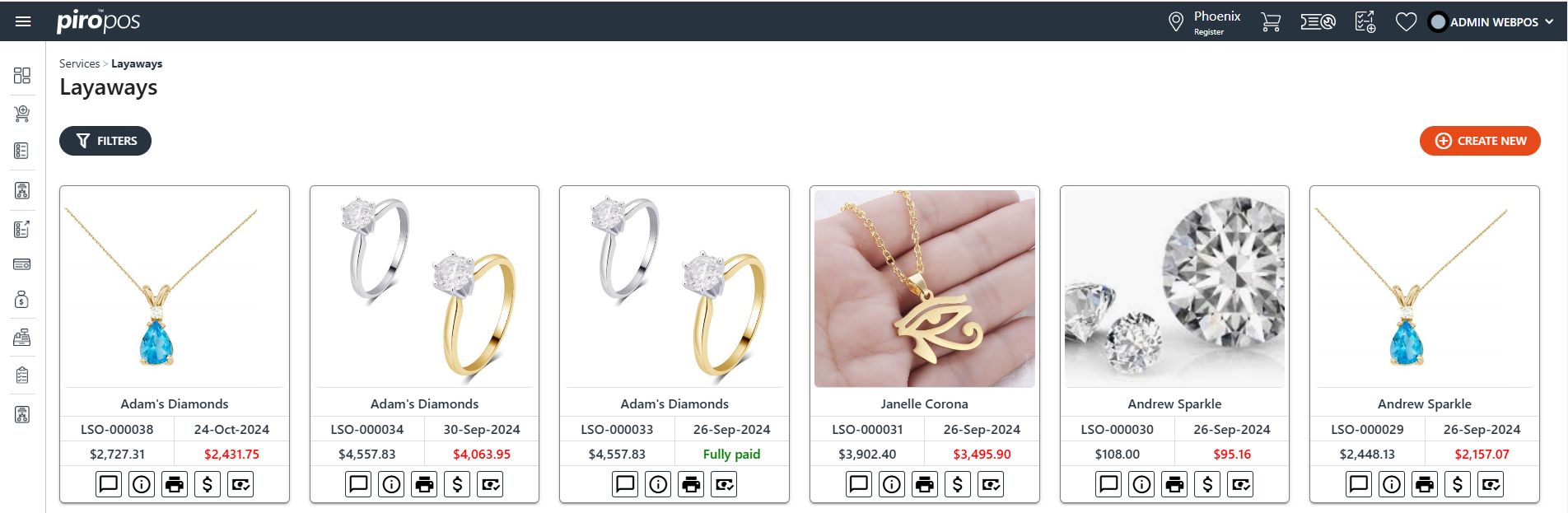
The Layaway orders – LSO – in PIRO Retail:
The Sales orders – PSO – in PIRO Retail: