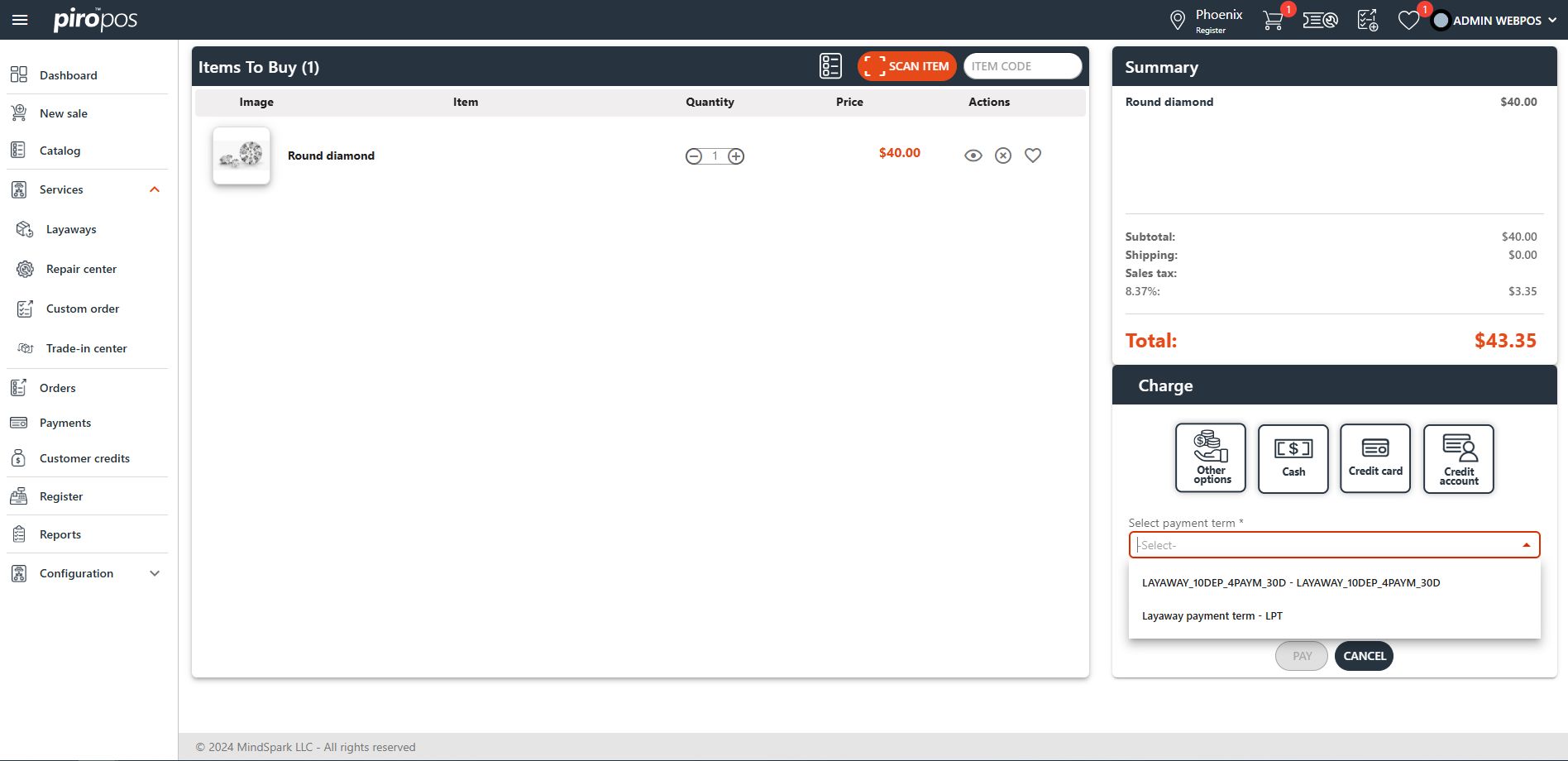
You can add layaway-specific payment terms in the Configuration – Misc Settings – Payment terms tab by clicking the plus (+) sign in the upper right corner of the page. Select “Layaway” from the Type drop-down menu.
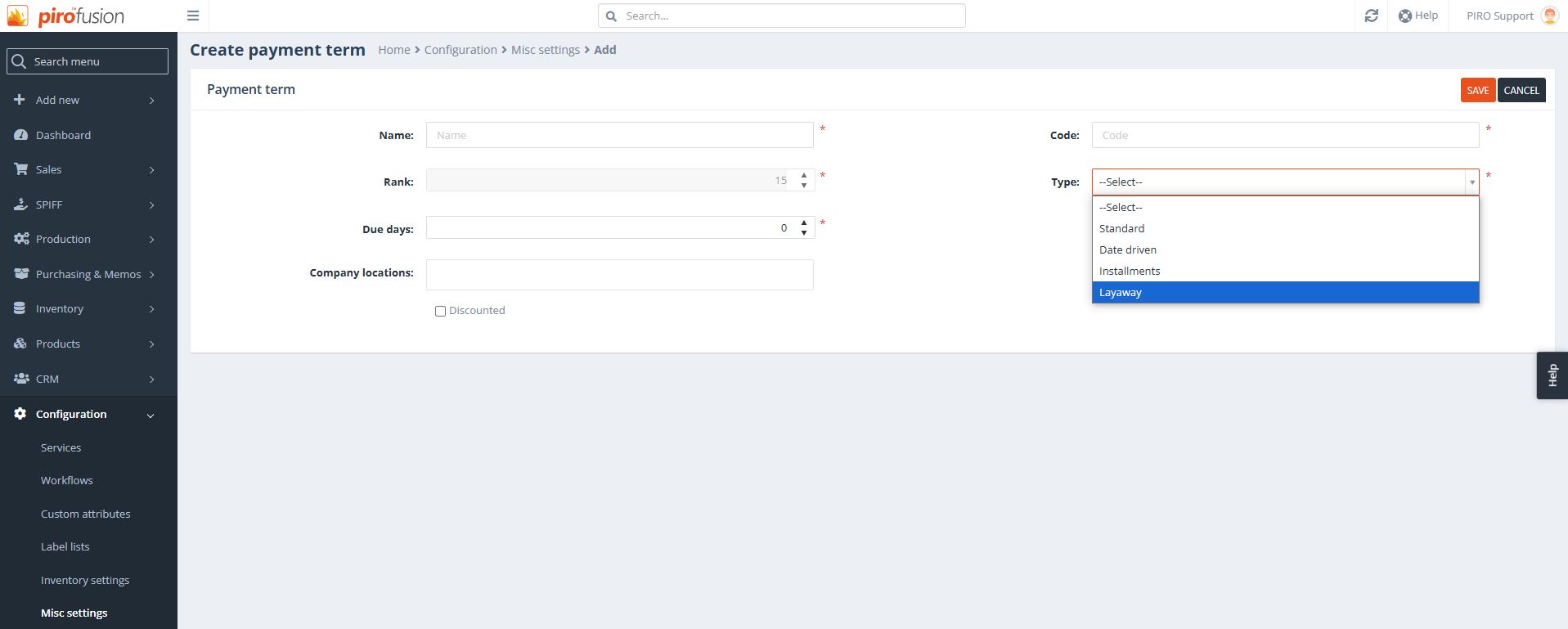

You can add layaway-specific payment terms in the Configuration – Misc Settings – Payment terms tab by clicking the plus (+) sign in the upper right corner of the page. Select “Layaway” from the Type drop-down menu.