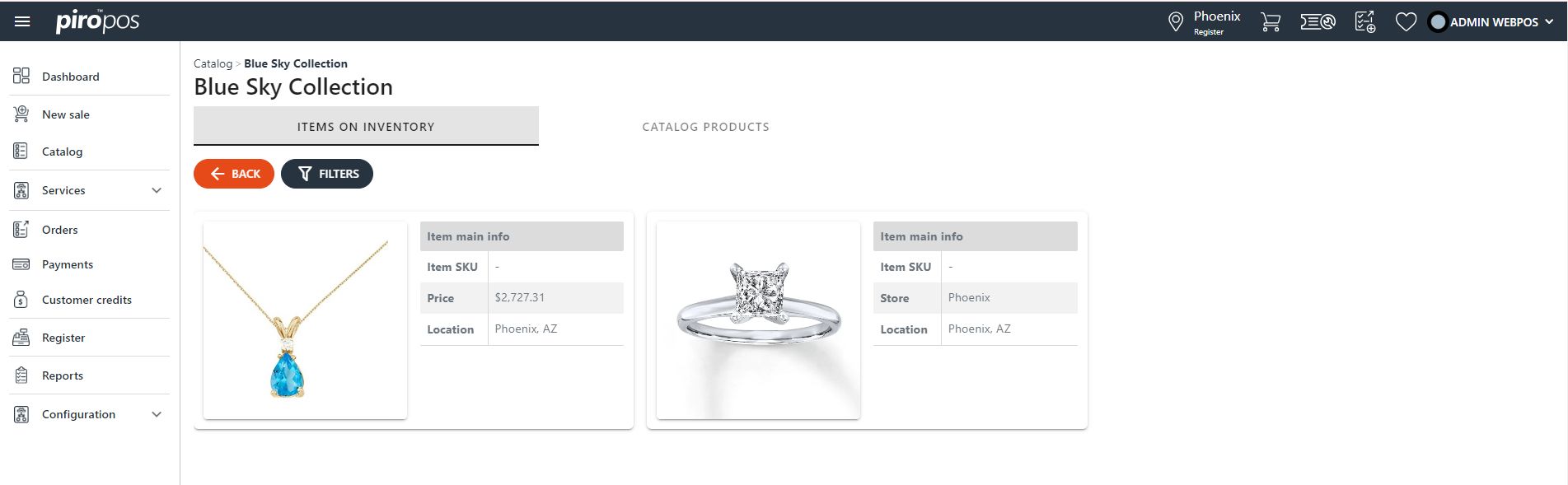

PIRO Retail uses the same database as PIRO Fusion, which acts as the back-office system for the POS. As a result, certain configurations are managed in PIRO Fusion, and all information accessible through the POS can also be administered from PIRO Fusion. This includes:
- Product catalog settings
- Item types and inventory items
- Detailed customer profiles
- Sales orders and invoices
- Repair jobs
The two systems communicate with each other continuously in real time. PIRO Fusion also provides the management interface for online orders, making its role much broader than just serving as the back-office for the POS. In this guide, we will focus on the Fusion modules that directly impact the functioning of the POS.
Item types and inventory items
Part of the Product Management module in PIRO Fusion, this section contains a list of all item types that appear in PIRO Retail. It allows creating new items and organizing them into existing catalogs and/or sub-catalogs.
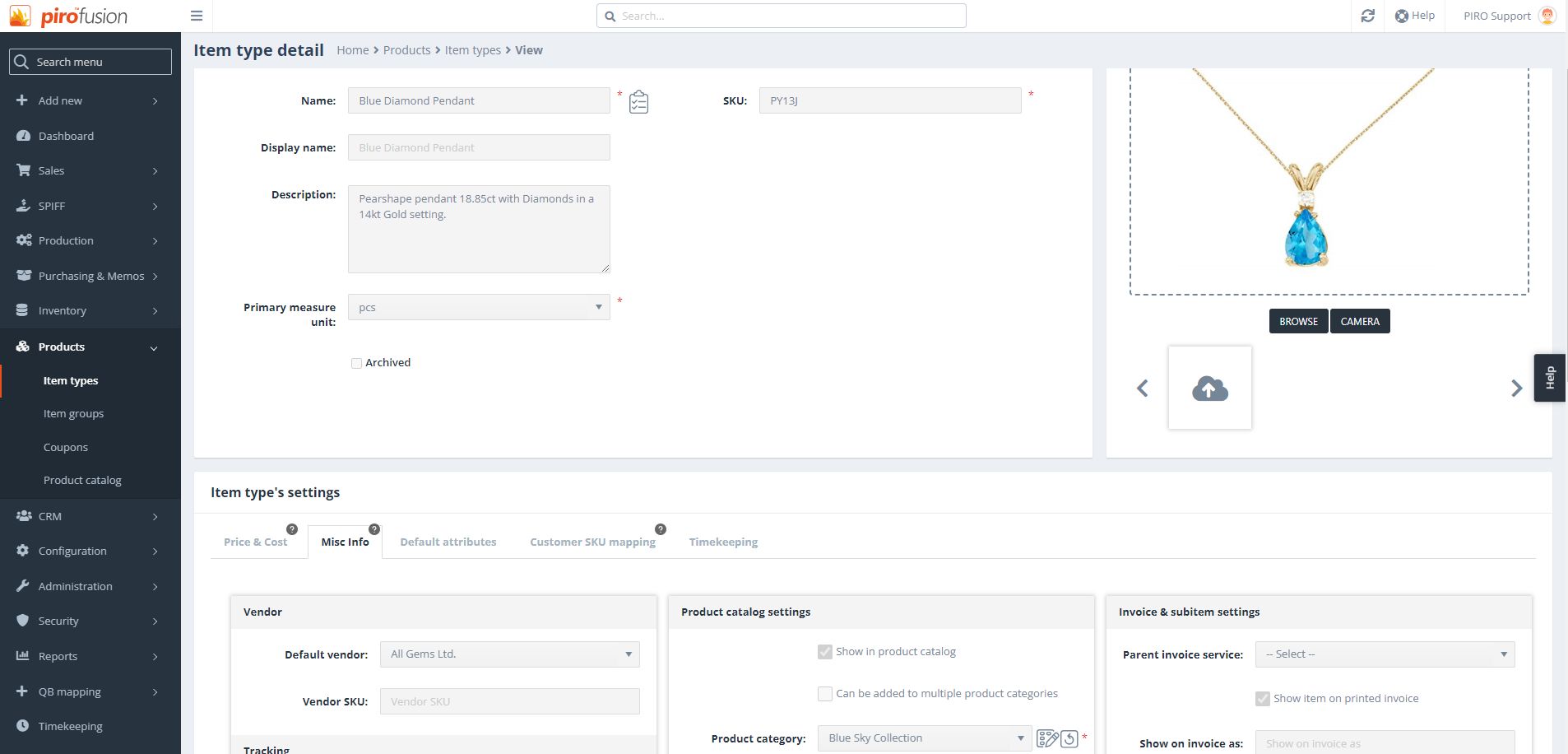
An item in the PIRO Retail Catalog module’s CATALOG PRODUCTS tab appears as an item type card:
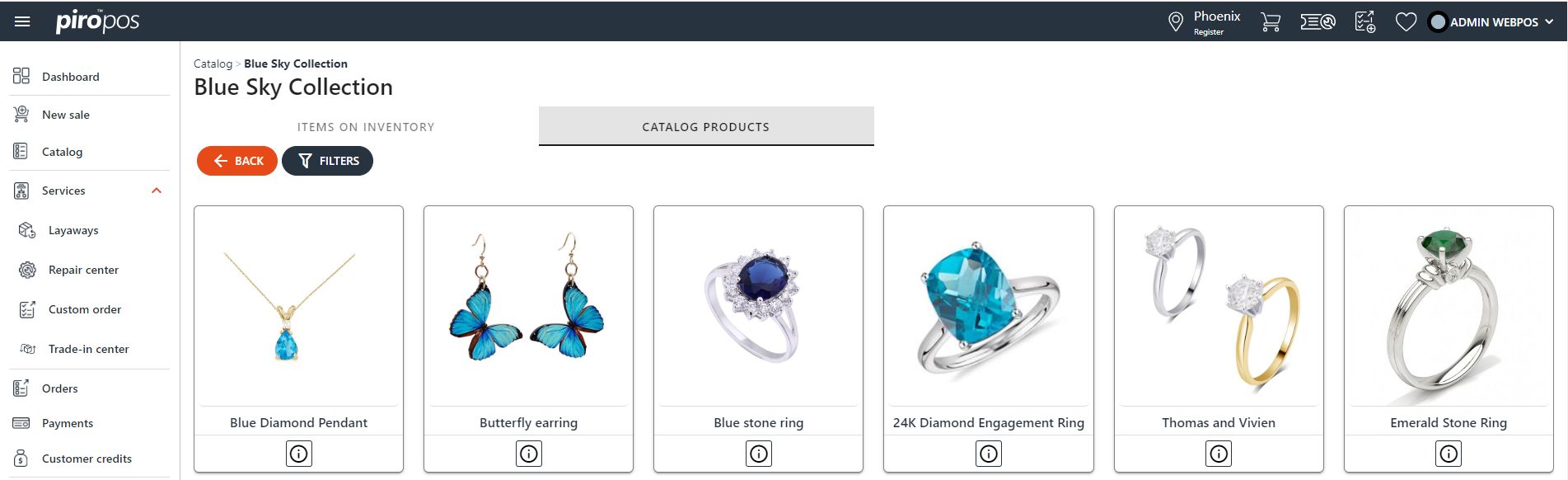 Click the INFO icon at the bottom of the card to open the product details. Click the card itself to open the inventory item.
The item in the PIRO Retail Catalog module’s ITEMS ON INVENTORY tab appears as an inventory item card: