
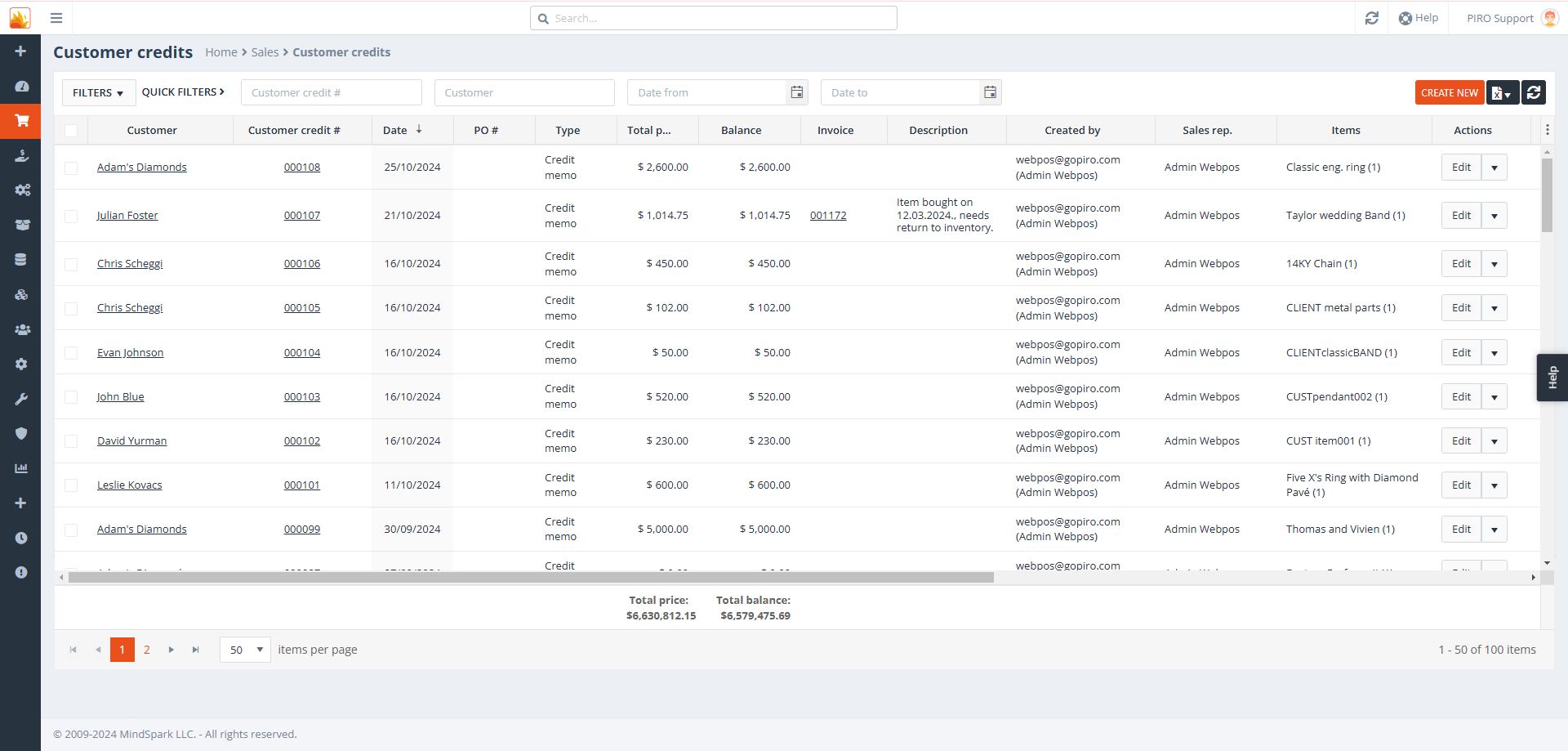
Access all previously created customer credits in the Back-office system by selecting ‘Customer Credits’ under the Sales module. To retrieve a list of all credit memos for a specific customer, enter their name in the search field.
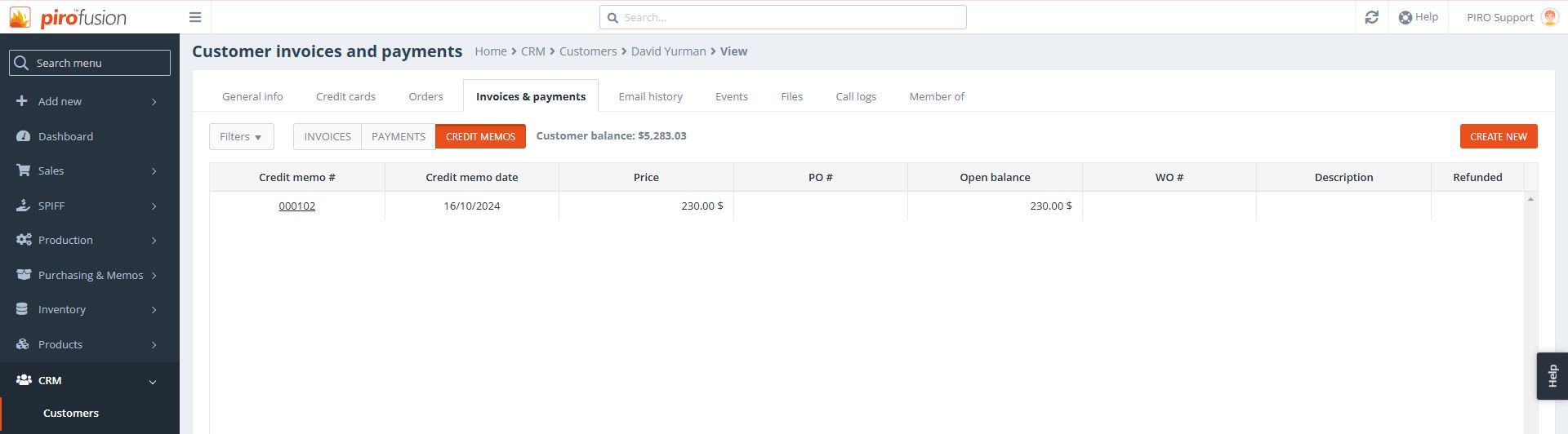
Alternatively, you can access this information through the CRM menu. Navigate to the customer details, select the ‘Invoices and Payments’ tab, and then click on the ‘Credit Memos’ sub-tab to view the customer’s credit memos and refund statuses.