
PIRO Retail uses the back-office system database, as a result, certain configurations are managed there, and all information accessible through the PIRO Retail can also be administered from the Backoffice. This includes:
- Product catalog settings
- Item types and inventory items
- Detailed customer profiles
- Sales orders and invoices
- Repair jobs
The two systems communicate with each other continuously in real time. The Back-office also provides the management interface for online orders, making its role much broader than just serving as the back-office for the PIRO Retail. In this guide, we will focus on the Back-office modules that directly impact the functioning of the PIRO retail.
Product catalog setting
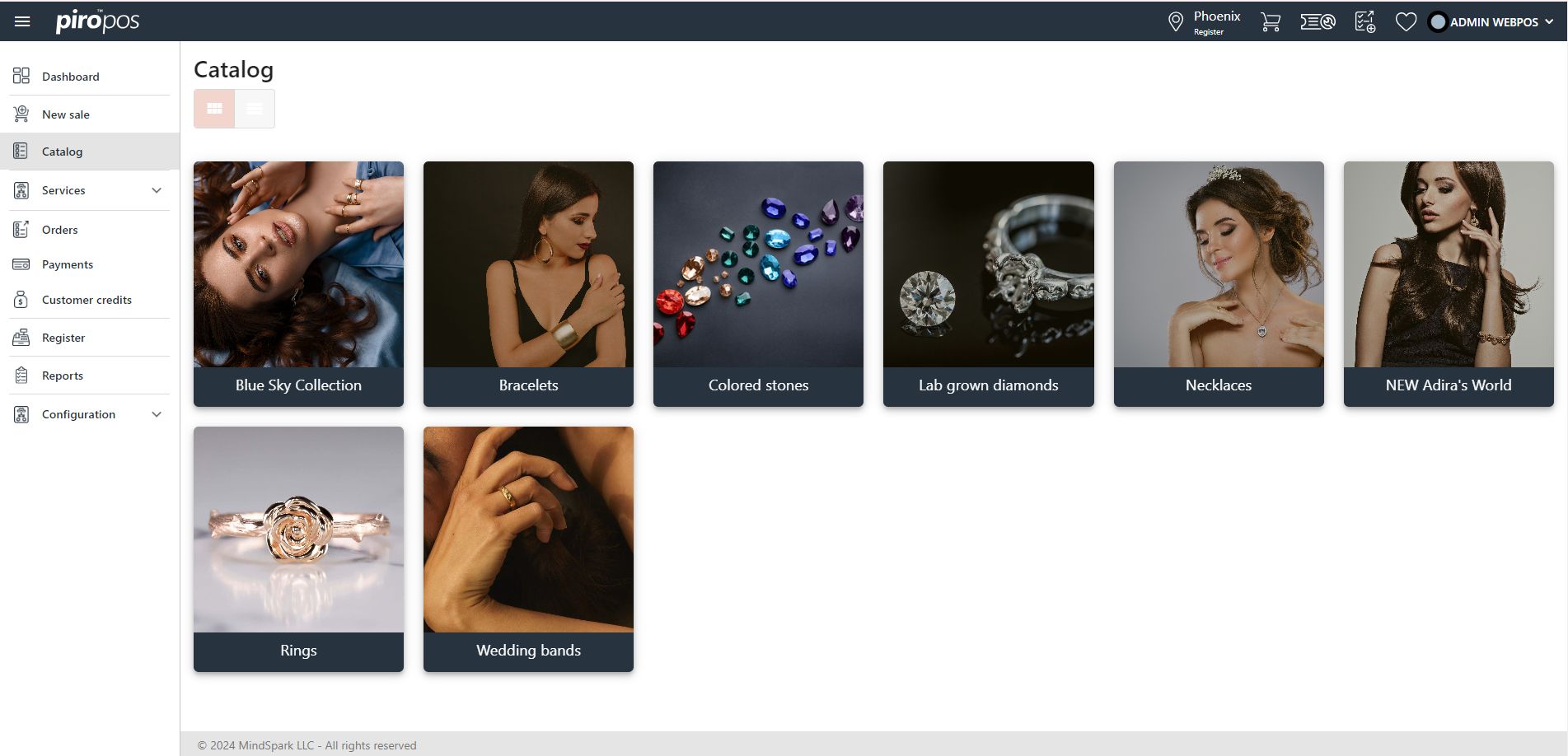
This setting allows you to modify the catalog structure visible in the PIRO Retail, including creating sub-catalogs if necessary. For example, you can create a main catalog category, such as Rings, and add subcategories like Engagement Rings, Solitaire Rings, and Wedding Bands.
When setting up these categories, you can also define default images (small and large) for each category:

This setting can be found in Backoffice under the Products module.

This is how the catalog categories appear in PIRO Retail when viewed in card view: