

After logging in, the user is redirected to the POS Dashboard. For editing their basic profile information the users can set up their own profiles by clicking on their name choosing My profile from the top right corner of the page:
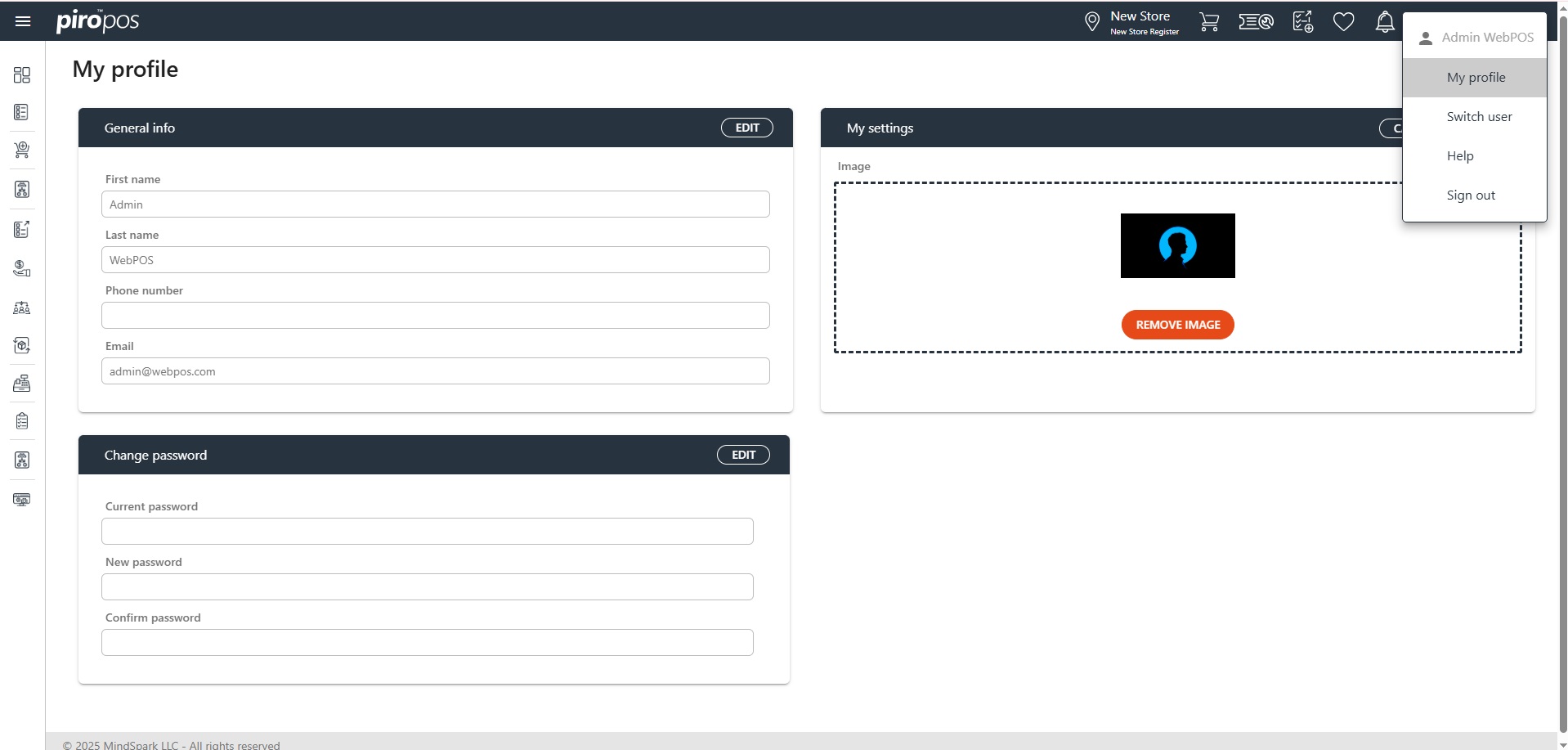
By clicking on the My profile option, the user can edit the following:
- General info
- My settings
- Change password
Click the Edit button, make the desired modifications, then click SAVE for saving the changes or CANCEL to discard them.
Note: the user cannot change their PIN ode from here; this must be done by a backoffice admin user from the backoffice system.