
Once you have created POS users, they will be able to access the POS platform using your unique PIRO Retail URL.
New users must first log in using their Log in name and Password configured in the Backoffice system: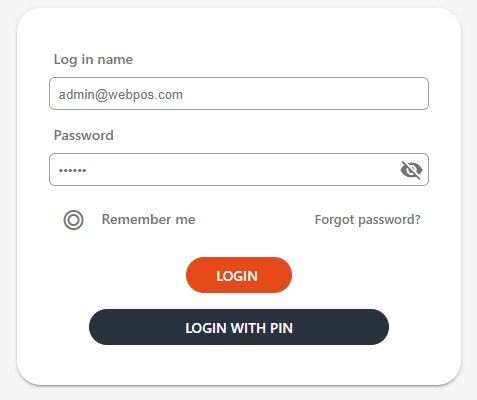
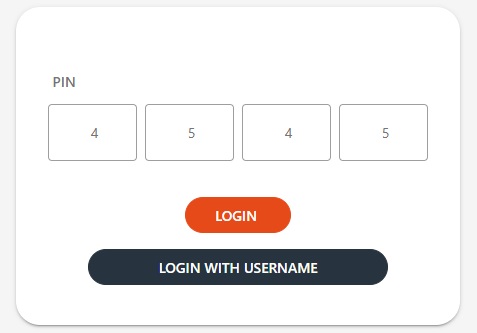
The LOGIN WITH PIN option can be used as well by entering four digit number here:
After logging in, users must choose a company location from those set up in backoffice. For companies with a single location, this screen will not appear.
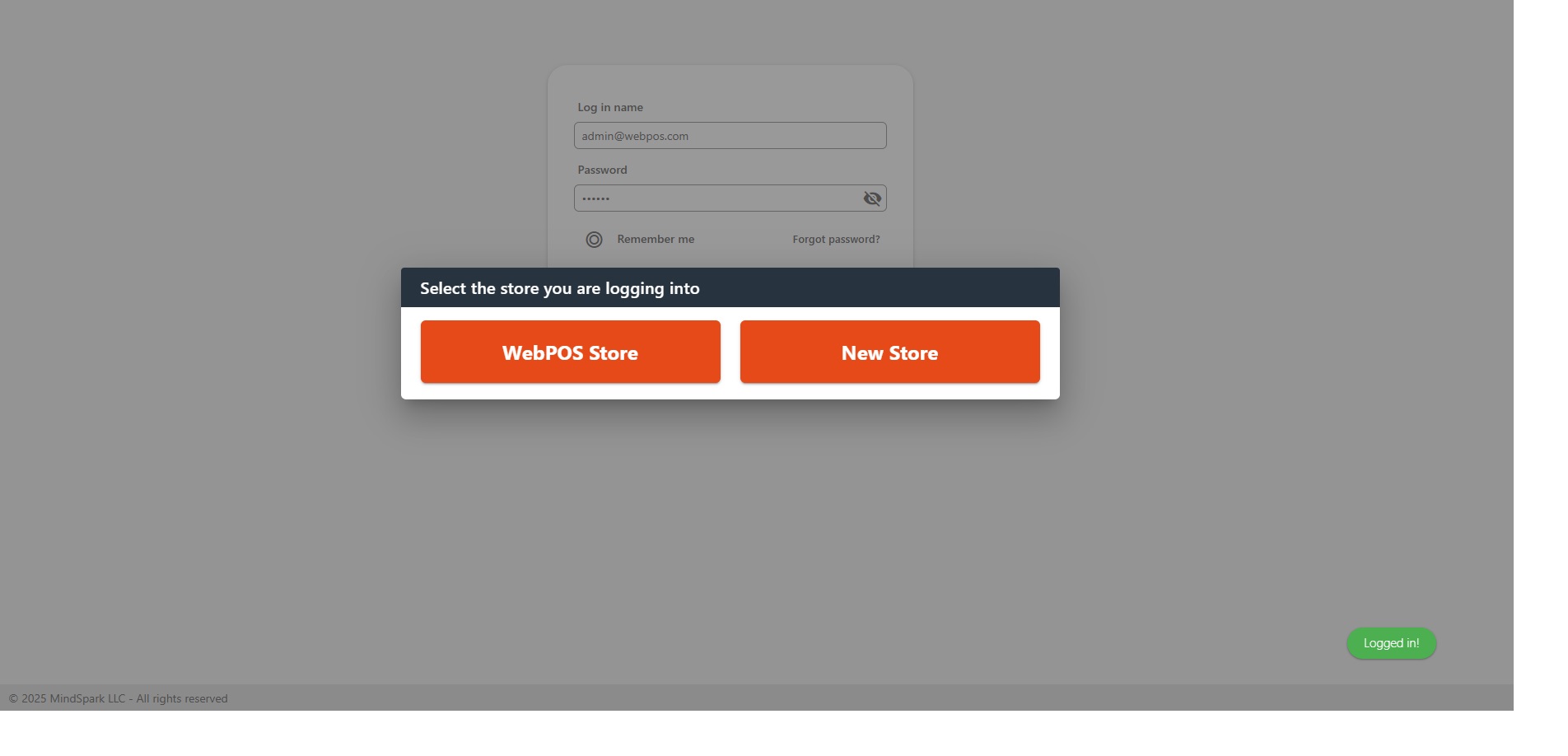
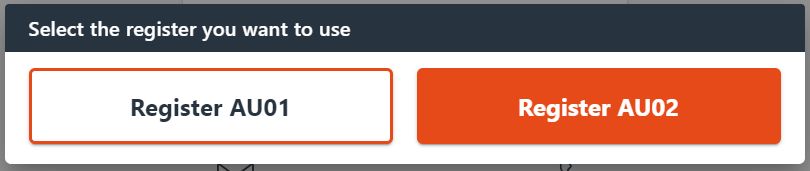
Please note that users can only see the orders, payments, and layaways created in their corresponding company locations. If there are multiple registers set up in a company location, the user should select their register from those were set up in the backoffice system:
The name of the selected location and register will be visible in the header, just before the cart icon after logging in:
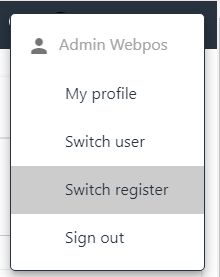
Users can switch between company locations by signing out and then signing back in to the system. Switching register can be done by selecting the third option under My Profile: