
Finance – Customer Credits

The Finance module third submodule lets you create credit memos for your customers, the grid contains a list of previously created credit memos. For a more detailed view, click on the arrow at the beginning of a credit line. You can filter credits or search for a specific one by its code, customer, a predefined period, and there is also the option to display only unrefunded credits.
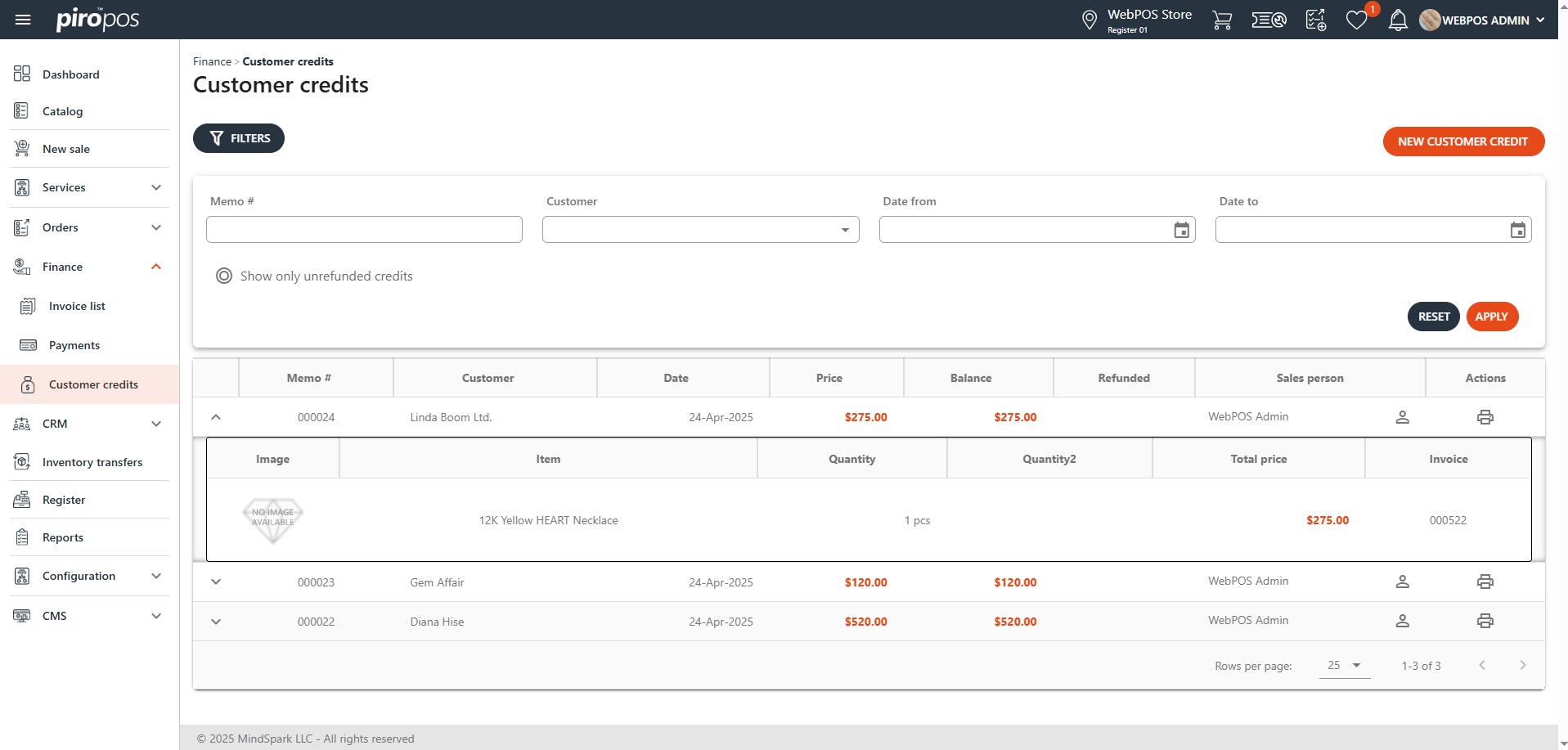
A new customer credit can be added by clicking the NEW CUSTOMER CREDIT button above the customer credit list:
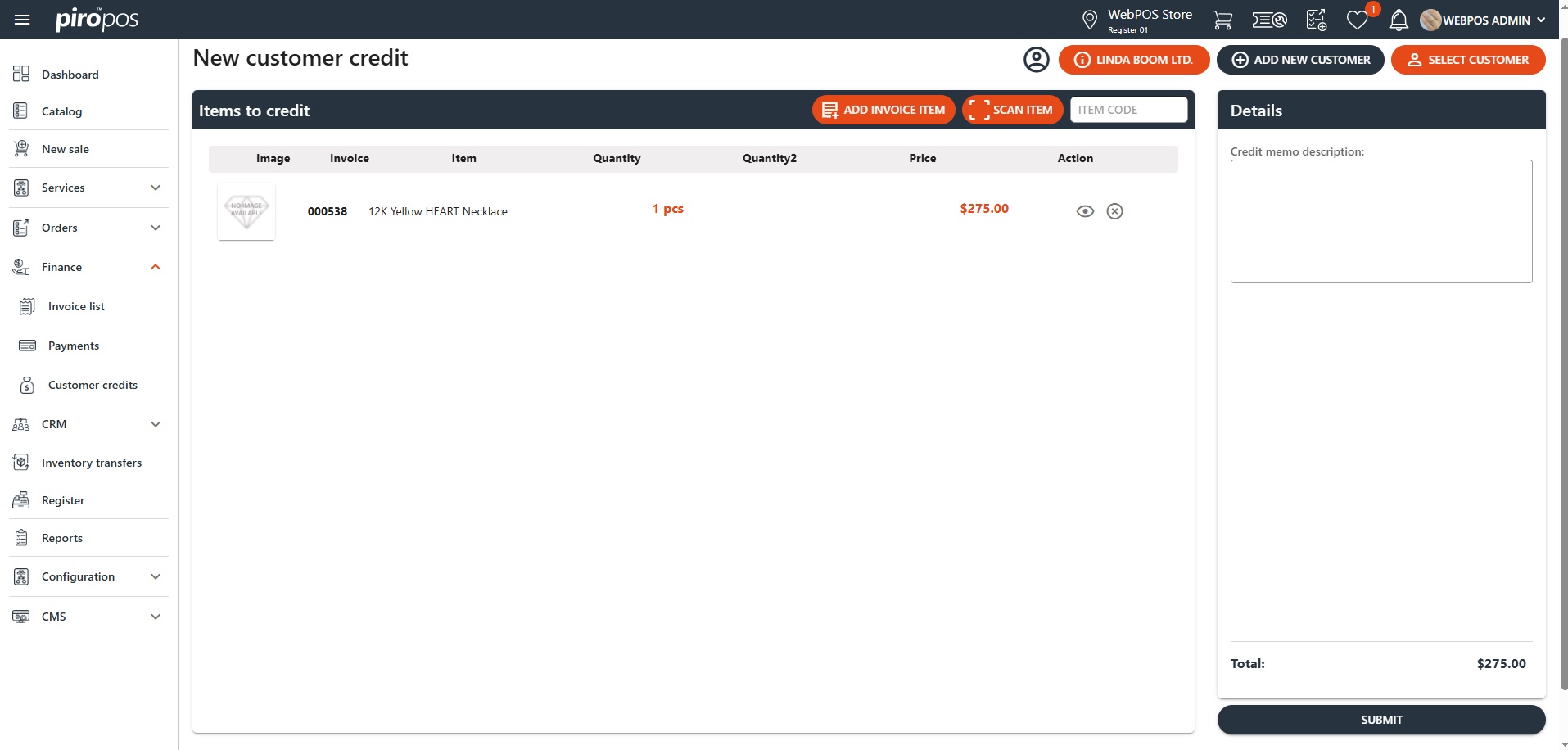
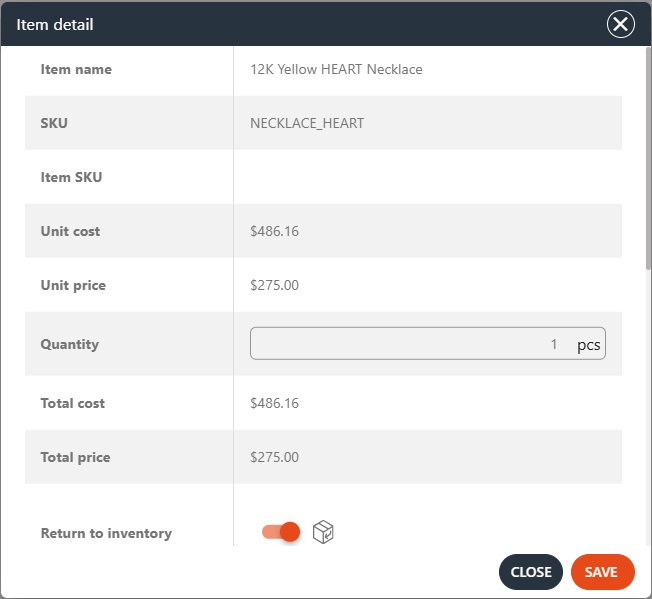
Items can be added to a credit memo by scanning the item tag, entering the item SKU, or selecting an invoice item. If you are processing a return of an actual item, ensure that the item is added back to your inventory by clicking on the eye icon and enabling the ‘Return to Inventory’ option so that the system can generate the corresponding inventory movement. Here, you can also modify the quantity of the items you wish to add to the credit memo:

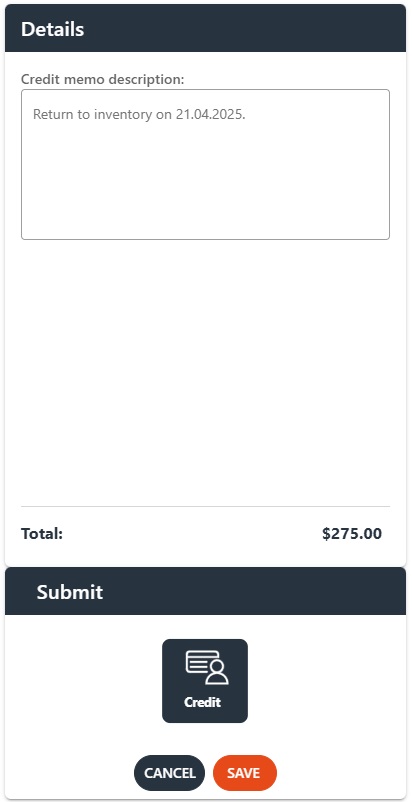
The Details box summarizes the subtotal, total tax -if exists -, and total credit memo amount for the selected credit items. Proceed to ‘Submit’ to choose the refund option from here:

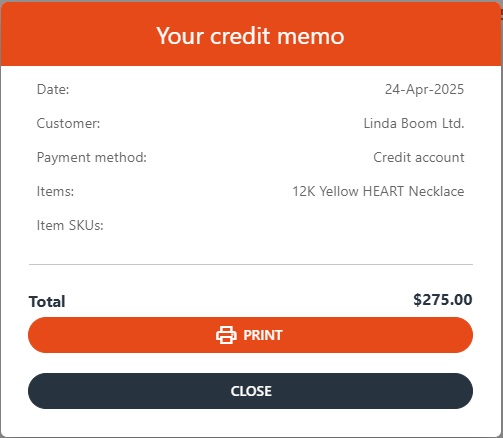
Clicking the SAVE button will create a credit memo for the specified amount: