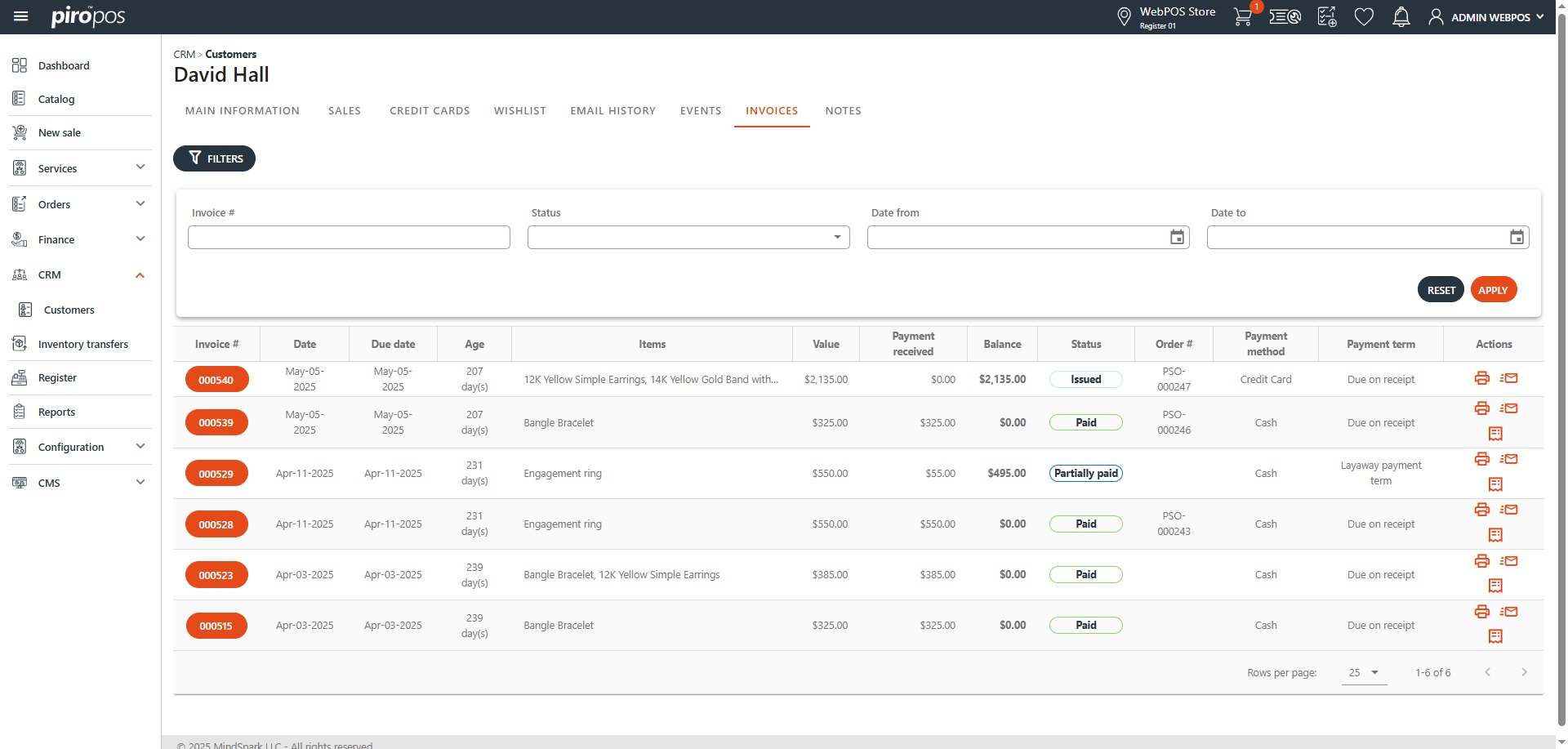

The CRM module handles all customers from the system, regardless of whether they were entered from the backoffice or the POS system. They can be viewed from the Customers list, where they can be filtered by name, country, state, city, sales person, email address, phone number, and type:
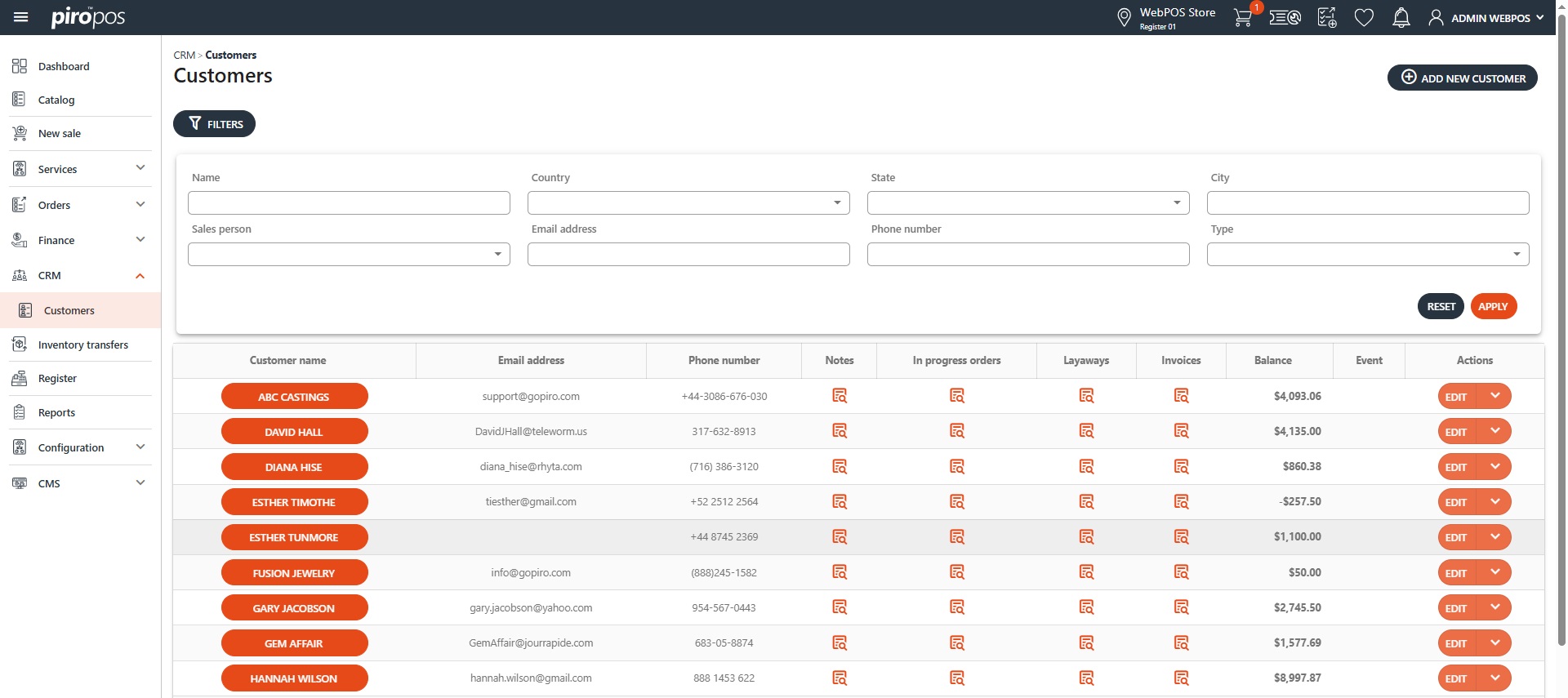
The Customer list displays key customer information, including customer name, email address, phone number, balance and events. The Notes, In Progress Orders, Layaways and Invoices columns contain clickable icons that redirect users to the selected customer’s notes or orders. The EDIT button in the Action column opens up the customer’s detail:
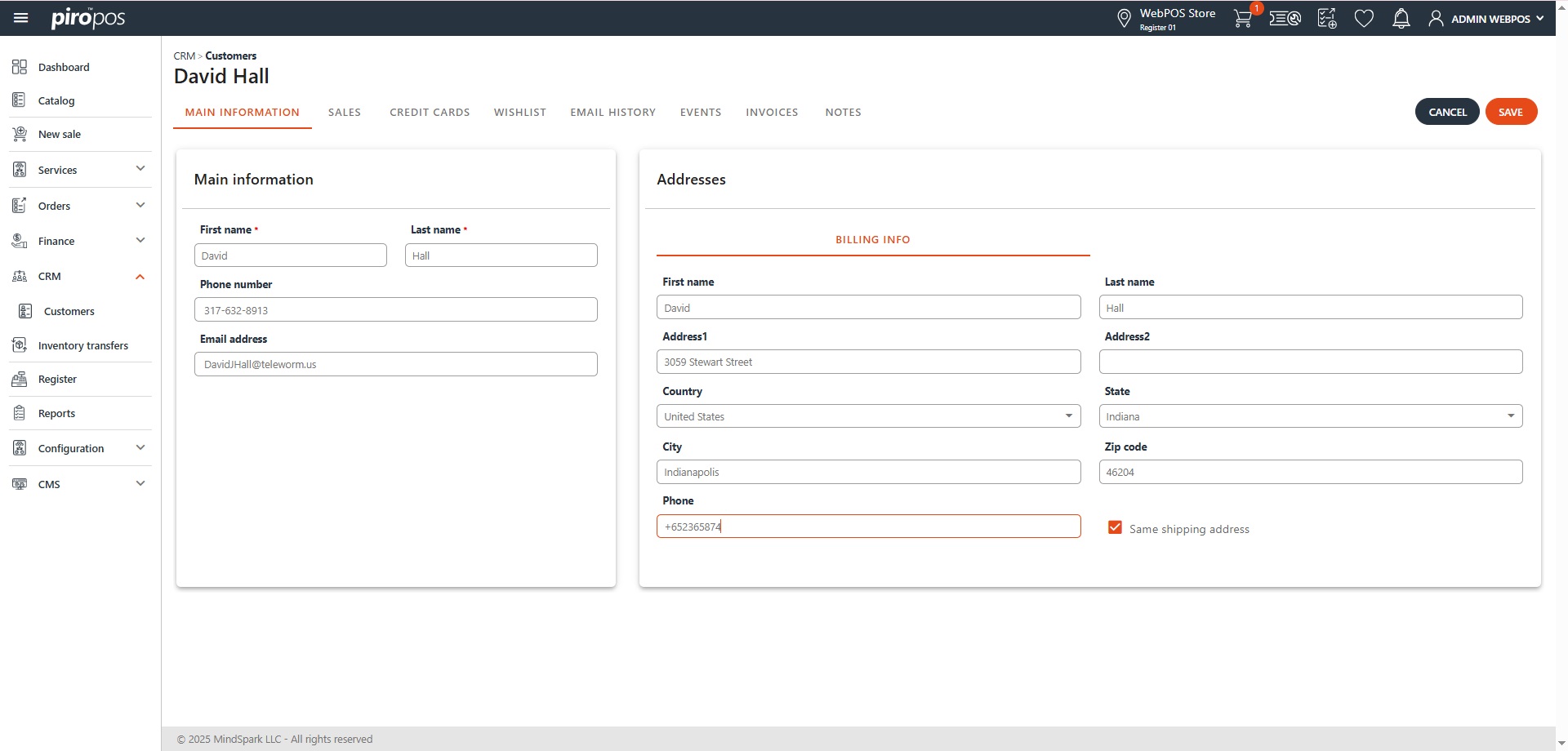
All customers have seven different tabs displaying their data, as well as their created orders, credit cards, wishlist, email history, events, invoices and notes.
Each order related to a customer appears under the SALES tab. Credit cards are listed under CREDIT CARDS. Wishlist items added from the system are displayed under WISHLIST, the EMAIL HISTORY tab contains sent emails. The EVENTS tab shows all recorded events, and the INVOICES tab displays the customer’s invoices. NOTES contains all added notes to the selected customer: